
Getting started with Autodesk Fusion
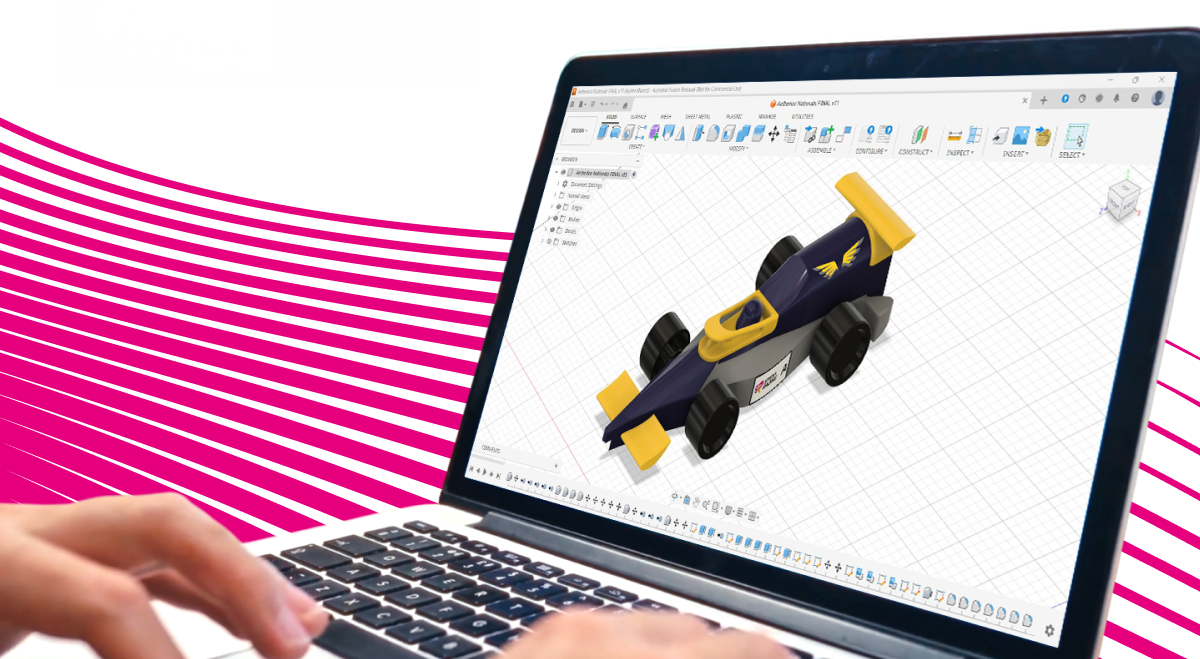
For teachers and students who have never used CAD software, the challenge of designing a car from scratch can be a daunting one. But it’s one of the most exciting elements of STEM Racing - taking all those ideas, sketches, and concepts and bringing them together in a platform which can make them a reality. For budding designers and engineers, it’s also one of the most valuable skills you can equip yourself with ahead of progression into industry or Higher Education; putting you in the best stead for success.
Here, we share our top tips on taking that first step into the world of CAD - we promise, you’re going to love it. Designing, iterating, manufacturing - it’s a process which blends creativity with precision, and enables teachers and students alike to push the boundaries of what they think is possible, and prove what they can deliver.
Autodesk, the official CAD Partner of STEM Racing, has developed an extensive suite of resources to ensure teachers and students alike have everything they need to take their car from paper, to desktop, to track – with access to Autodesk software and training available completely free of charge to STEM Racing teams and educators. From getting started with Fusion to developing more advanced design and manufacturing skills, there’s something to support every stage of the journey.
Let’s take a look at what’s available.
Teachers: Level up your CAD skills with bespoke educator training
Autodesk recognises that confident teachers are key to helping students get the most from professional design software. That’s why there are dedicated training and learning opportunities to help educators build their own CAD skills, understand Fusion and bring those skills into the classroom.
Through Autodesk’s Fusion Fundamentals programme, educators can develop their skills in everything from sketching and extrusion to modification, assemblies and drawings. The free, 12-hour course is designed specifically to help educators learn how to use, teach and implement Fusion in their classroom – and participants receive a Certificate of Completion to recognise their training.
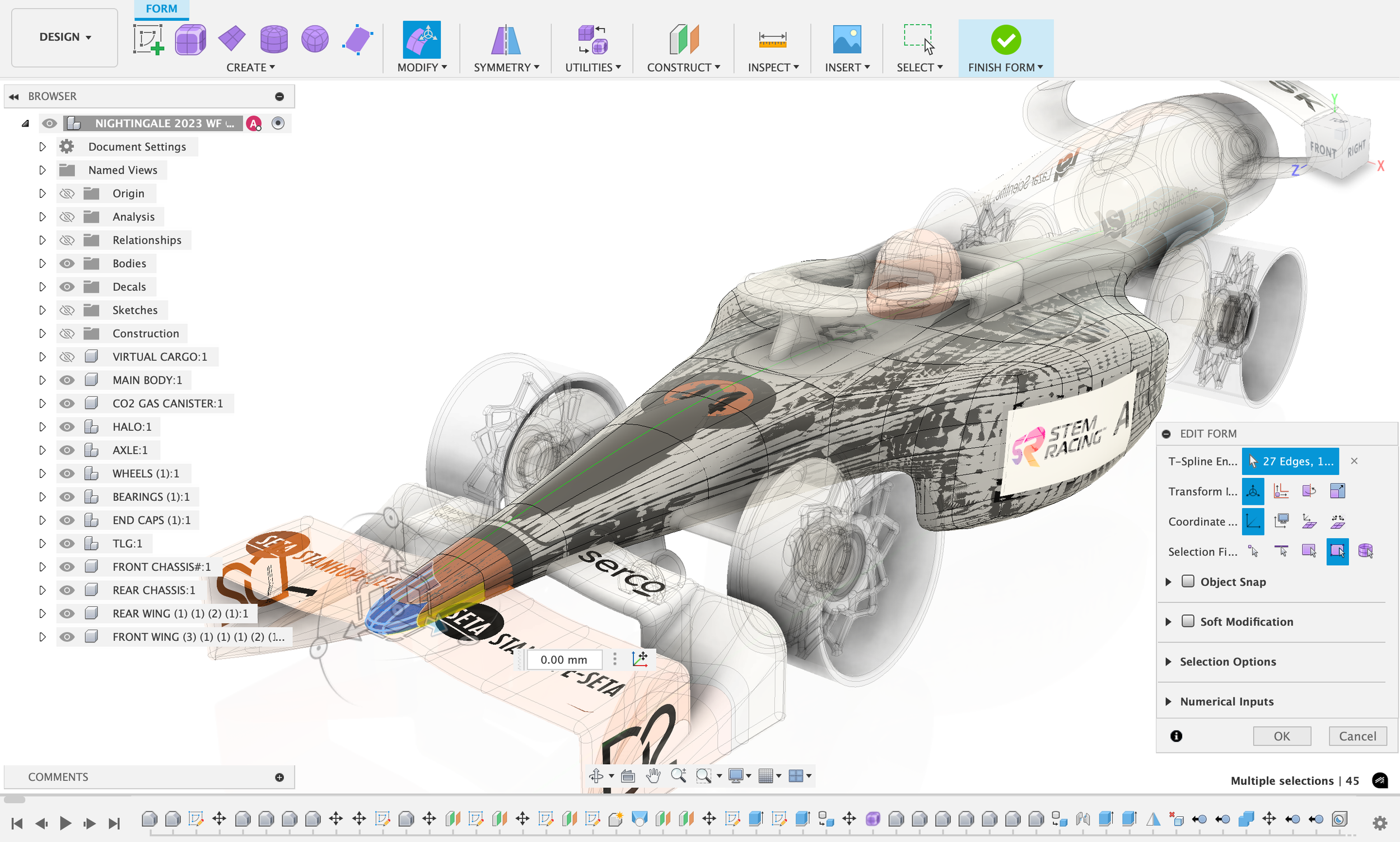
And you don’t have to stop there. Autodesk’s STEM Racing resources include step-by-step Fusion tutorials specifically designed around the competition, taking users from customising a standard car through to creating their own design and transforming it into a high-quality manufactured car. There are also dedicated Fusion CAM resources to help teams understand how their digital design can progress into the manufacturing process.
For teachers who are new to CAD, these resources provide a great starting point, giving you the knowledge and confidence to support your students while they develop a skill that can open doors into engineering, design and manufacturing.
“Signing up for Fusion Fundamentals was one of the best decisions I made as a STEM Racing lead. It broke everything down into manageable, bite-sized chunks, making the learning process feel much less daunting. I finished the course feeling far more confident, with a range of helpful resources to refer back to, as well as a CPD certificate to authenticate my training.”
Students: Become a CAD pro with comprehensive tutorials
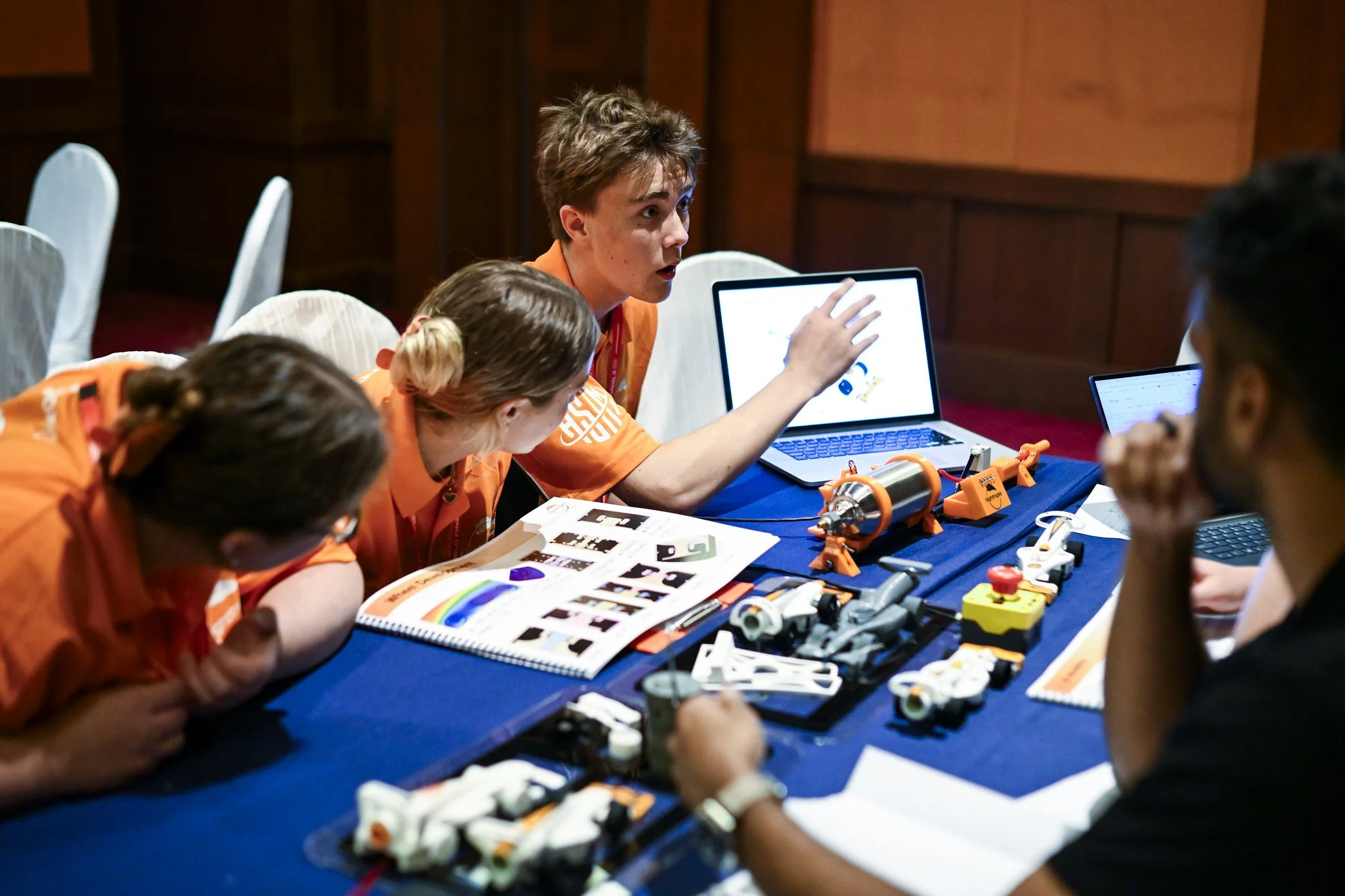
Developed in partnership with the fantastic EduCAD, our suite of tutorials has been designed to take you from that very first conceptualisation all the way through to extrusion and export. Created so you can listen and follow along simultaneously, these easy-to-understand videos are your one-stop resource for building your confidence and developing your CAD skills.
The full suite is available for free on our learning platform, giving you the flexibility to work through the tutorials at your own pace, whenever and wherever you choose.
Alongside these tutorials, Autodesk offers a wealth of additional free resources to help you take your Fusion skills even further. From getting started with the fundamentals of CAD through to more advanced design, simulation and manufacturing techniques, Autodesk’s dedicated STEM Racing resources are designed to support you throughout your journey.
So, whether you’re opening Fusion for the very first time or looking to take your designs to the next level, there’s a wealth of free software, training and learning materials available to help you turn your ideas into reality.
“When I started STEM Racing, I had no experience in CAD but learning Fusion became a pivotal moment in my journey towards becoming an Aerospace Engineer. In my years of competing, CAD was the bridge from imagination to reality, and STEM Racing gave me the opportunity to showcase that on the global stage by placing 3rd in the world at the 2023 World Finals and winning the Autodesk Pressure Challenge award.
CAD is a core fundamental of engineering, and in STEM Racing it’s the glue holding the entire development process together. I can now design and build rockets, wind tunnels and much more, but it all started with learning CAD on Autodesk Fusion.”