

Fusion
Fundamentals
We’ve partnered with Autodesk to provide a series of free professional development courses for educators.
These hands-on, entry-level sessions will empower you to bring STEM learning to life by enabling your students to design and manufacture their own STEM Racing cars, all from your classroom.
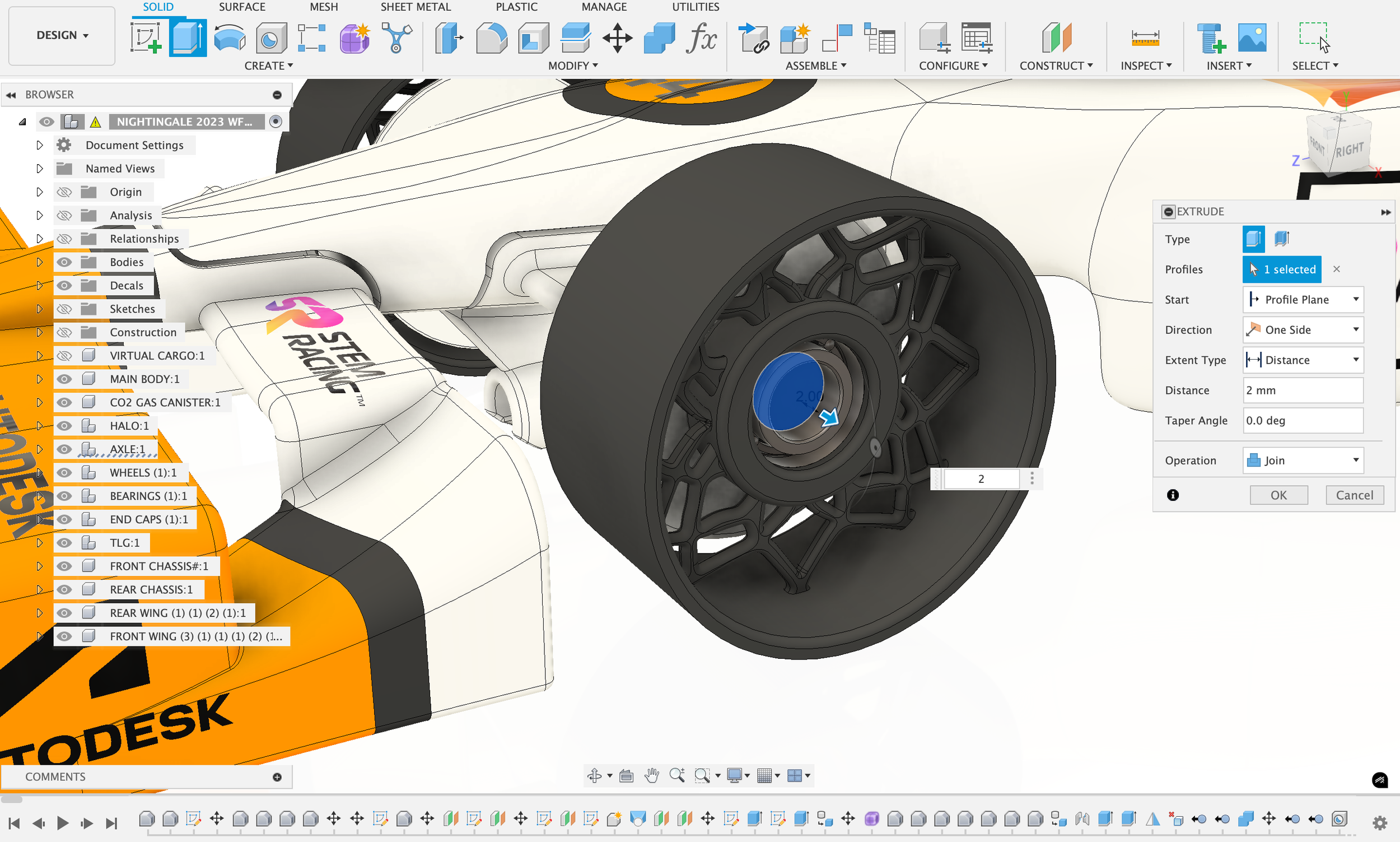
why sign up for fusion fundamentals?
autodesk Certification
Evidence your learning with an Autodesk CPD certificate. Whether you're a beginner or an expert in Fusion, this is a valuable credential for your own career progression and development.
classroom Resources
Educators will receive access to a suite of resources, including video recordings and presentation slides with extensive teaching notes - making it easier than ever to introduce Fusion to your class.
Increase Confidence
With hands-on experience, structured resources, and a clear understanding of the full design-to-manufacture workflow, you’ll be able to teach CAD and CAM with confidence.
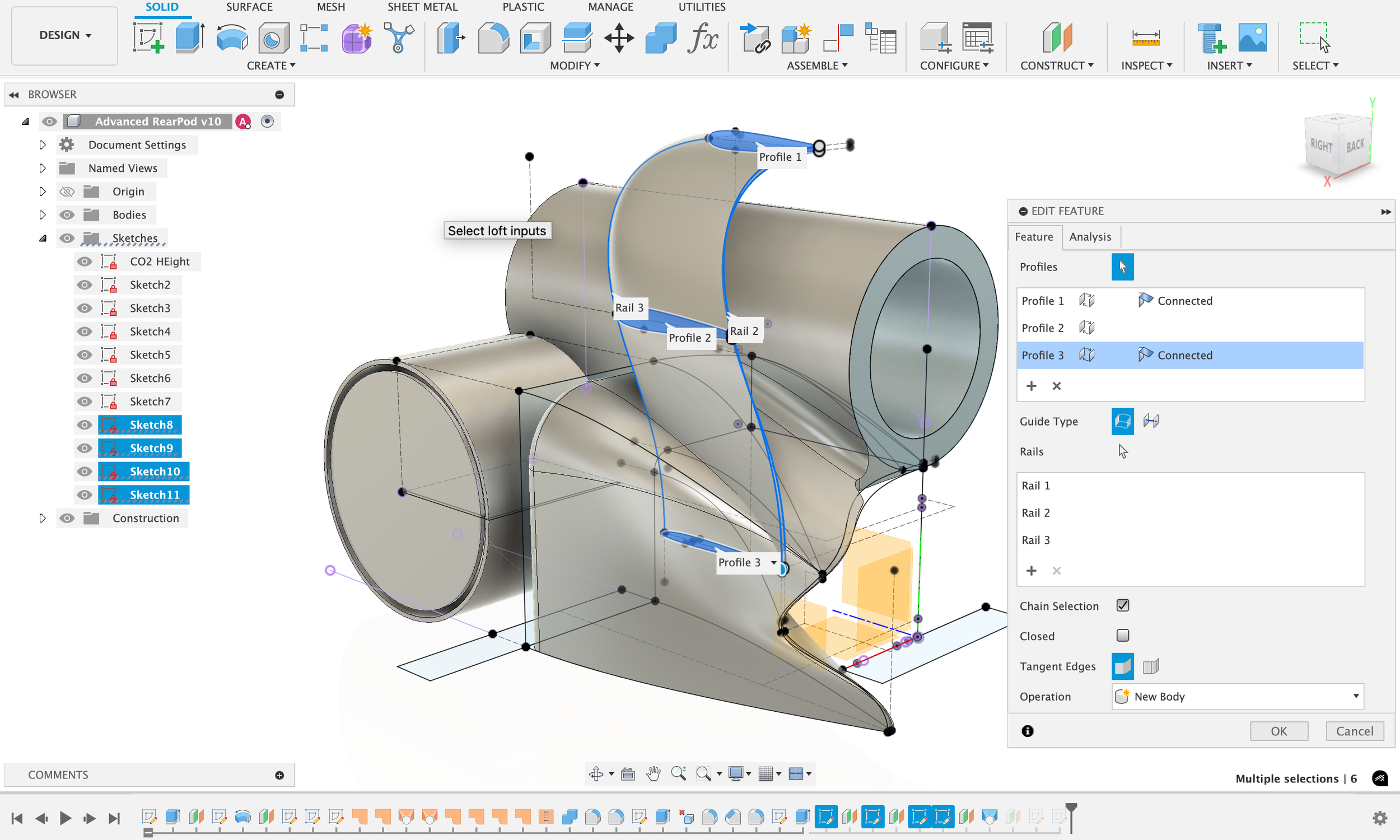
CAD Course
A 12-hour course, ran over two or three sessions.
In easy-to-follow, live online sessions, you’ll explore the essential tools in Autodesk Fusion and gain the tools and confidence to guide your students through the car design process, from sketch to final render.
Key Learnings:
How to navigate the Fusion interface
2D sketching fundamentals
3D modelling techniques: Extrude, Loft, Mirror
Building and managing assemblies
Creating detailed technical drawings
Rendering your car designs
Maximising Fusion’s features for speed, performance and creativity
With courses offered across multiple timezones, choose and book the session that works best for you using the links below.
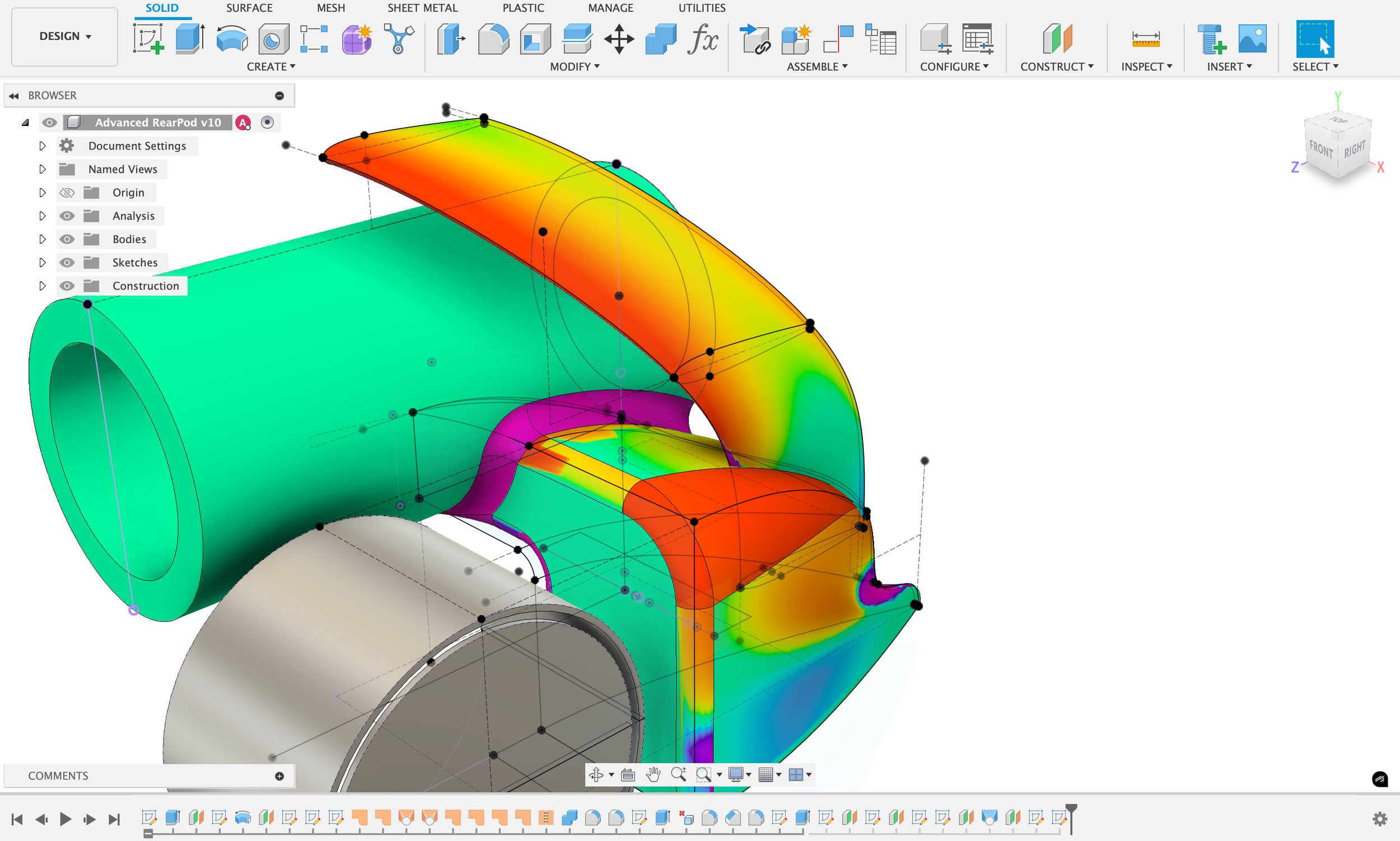
Custom Courses for STEM Racing
Developed exclusively for STEM Racing educators.
Whether you’re new to STEM Racing and keen to get to grips with using Fusion to design, develop, and manufacture your students’ cars, or you’re already familiar with the software and looking to enhance your skills, these courses are designed for you.
Developed specifically for teachers delivering STEM Racing in the classroom, they provide practical guidance, hands-on learning, and strategies to help you get the most out of Fusion in an educational environment, and ensure you’re perfectly positioned for achieving success in the competition.
Upcoming STEM Racing & Fusion CAD Courses (available in GMT only)
Upcoming STEM Racing & Fusion CAM Courses (available in GMT only)
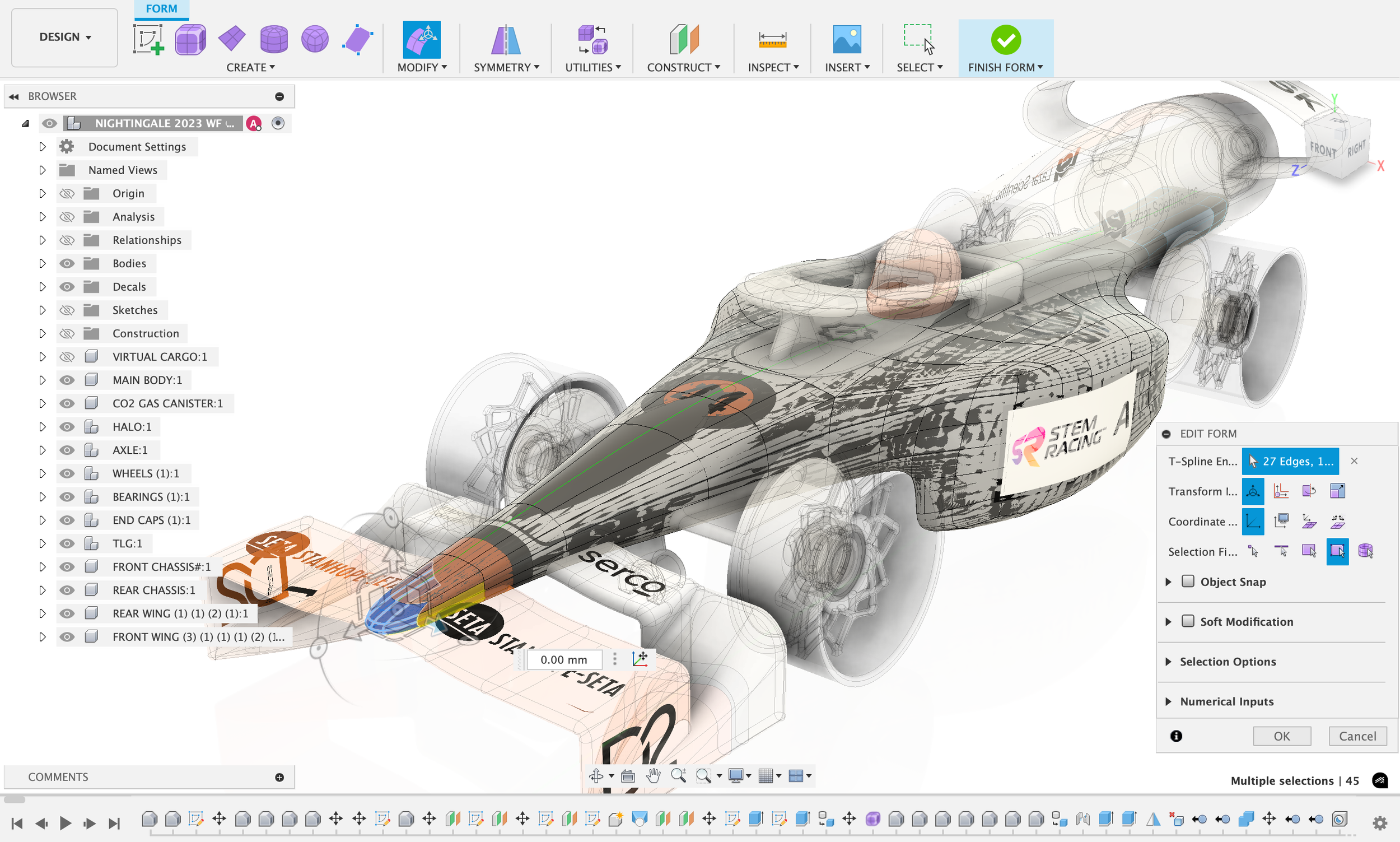
CAM Course
A 6-hour course taking place over one or two days.
In this engaging, instructor-led course, you’ll gain the skills to bring real-world manufacturing into your classroom and help your students build faster, smarter, and more competitive cars.
Key Learnings:
How to set up Fusion CAM and pair it with a CNC machine
Creating 2.5, 3, and 4-axis toolpaths
Simulating machining and generating G-code
Using Fusion effectively, even without a CNC machine
Tips to prep students for the Fusion ACU exam and technical judging
“I learned so many new skills from the Fusion Fundamentals course – I now feel much more confident teaching my students how to design and manufacture using the software, and I’m far better equipped to guide and support their learning throughout the process.”
-Shubham Taneja, Competition Head, STEM Racing India
-
Autodesk Fusion is a cloud-based CAD/CAM/CAE/PCB platform used across industries like manufacturing, machining, engineering, and industrial design. It allows you to design, simulate, and manufacture all within one tool.
-
Fusion Fundamentals is a free, hands on training course designed for educators. It introduces the foundational concepts of Autodesk Fusion and helps you build the confidence to teach CAD and CAM in your classroom.
-
CAD Fundamentals: Approx. 12 hours (spread across several sessions)
CAM Fundamentals: Approx. 6 hours (spread across multiple sessions)
-
The CAD Fundamentals course will teach you everything you need to know about creating a 3D model in Fusion. You will leave the course able to create complex 3D models and design your own assemblies in Fusion.
Specifically, your trainer will cover:
• Navigating the user interface
• Creating 2D Sketches
• The core 3D modelling tools
• Assemblies
• Technical drawings & Renders
-
The CAM Fundamentals course teaches you how to setup, program, simulate and export CNC code to be run on a CNC mill/router. Whether you have a CNC mill at your institution, or you want to understand CNC manufacturing to teach it, this course will give you the understanding you need.
Your trainer will cover:
• Creating a manufacturing setup
• Creating 2D & 3D toolpaths in Fusion
• Understanding the manufacturing requirements of different types of geometry
• Toolpath simulation and post-processing
-
-
You’ll need:
An Autodesk account with a Fusion License
Fusion Installed on your computer
A computer with internet access
Zoom (desktop version recommended)
It is also helpful to have:A computer mouse
A second screen
-
Sessions are live and instructor-led. Recordings of each session will be shared after all sessions are completed, but are only available to those who attend at least 85% of the course.
-
Educators will receive the recordings, datasets, and the presentations (with extensive notes) from the course to be used in the classroom.
-
Yes, you will receive a certificate that attests to your participation and mastery of the concepts taught. You will be certified if you have attended at least 85% of the sessions and complete the post-course survey .
-
Let your trainer know as early as possible. Depending on the amount missed, options may be available to help you catch up.
If you can’t make any of the training anymore, we would appreciate you letting us know. Early notice allows us to offer your spot to someone on the waitlist and we can help you find a new session date that fits your schedule. -
Yes! We offer in-person sessions at educational institutions if:
At least 4 educators are confirmed to attend
Your institution covers the trainer’s travel costs (Autodesk covers the training fee)
Email us to schedule a Zoom consultation for on-site options.

JOIN THE RACE