
how Lunar used Ansys & Autodesk to become Our world champions
We caught up with Max Zylberman (Engineering Director) and Oliver Chernikeeff (CAD Engineer) of Lunar - our reigning World Champions and winners of the inaugural Ansys & Autodesk Integrated Digital Engineering Award - to find out how they used these industry-leading software suites to create a world-leading, and world-beating, car.
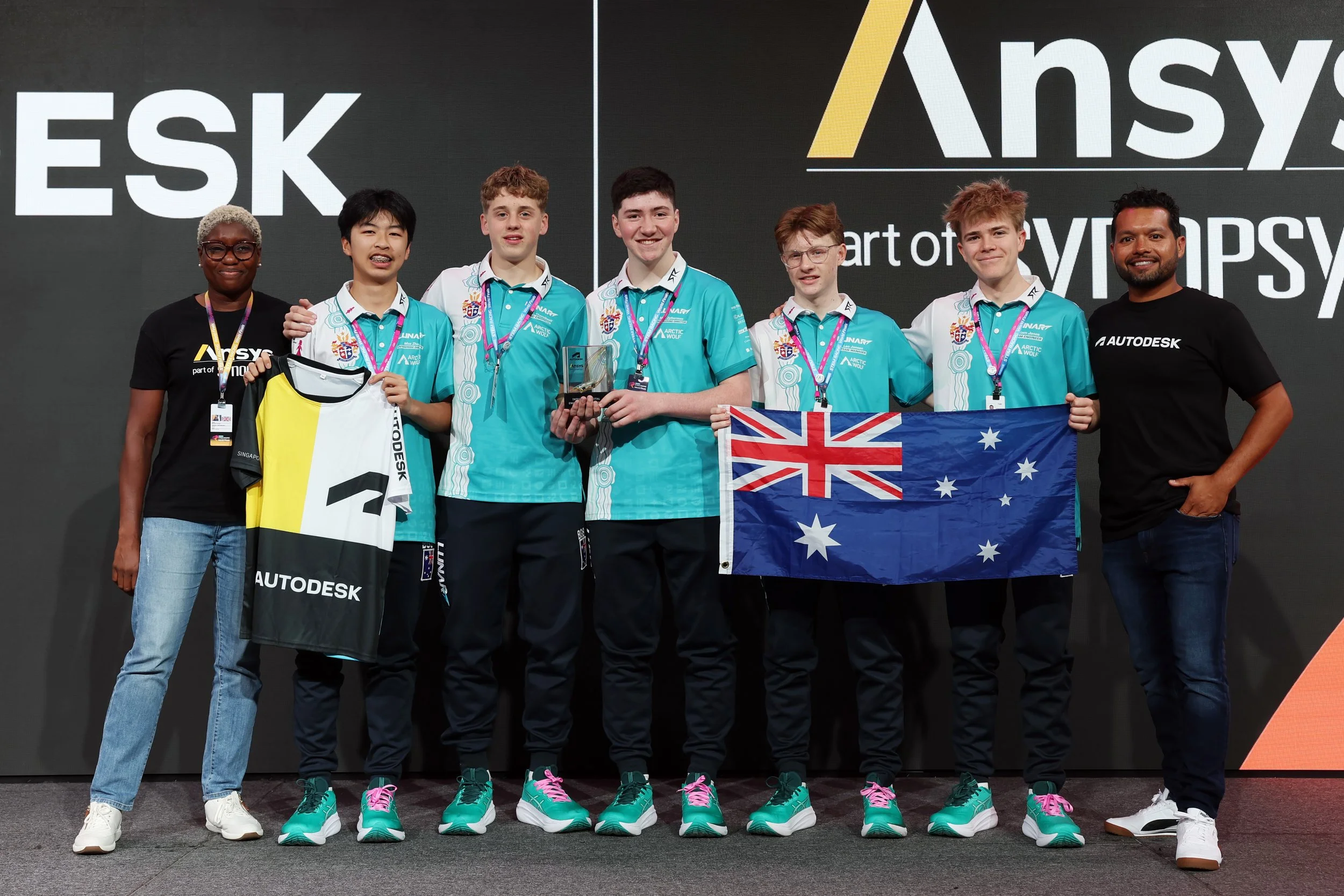
Lunar receiving the Integrated Digital Engineering Award at the Aramco STEM Racing World Finals 2025
Could you tell us a little about your car design and development?
When designing our car, we went through a structured process where every component or section was explored with multiple elaborate and innovative concepts. From there, we quickly identified which ideas were worth pursuing and refining. For example, our front wing: with the 2025 season regulations introducing some changes, we tested numerous designs before settling on one that is unique and highly effective for our situation, being extremely low profile to optimise airflow and overall performance.
Why did you choose to use Autodesk to design your car?
Autodesk Fusion was pivotal in our engineering journey. Its cloud-based platform made collaboration seamless for our three-person engineering team, allowing us to work together efficiently from different locations. Fusion is both intuitive and powerful, providing advanced features such as Stress Analysis and Generative Design, which we used extensively throughout our design process. It struck the perfect balance between ease of use and professional-grade capability.
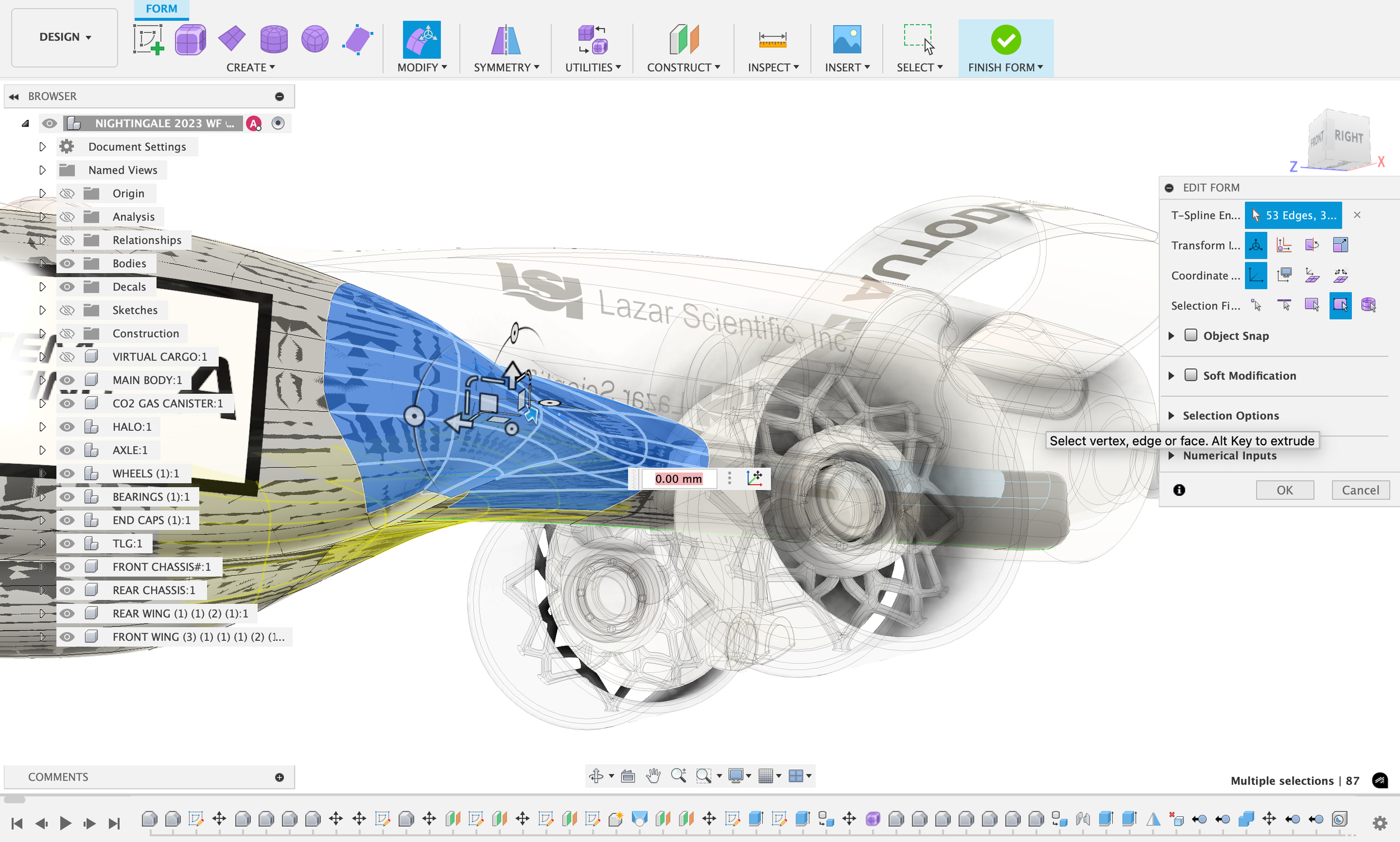
A car being designed in Autodesk Fusion
Why did you choose to use Ansys as your CFD provider?
We chose Ansys because it is an industry-standard tool that is also accessible with a free student license. Its Discovery solver can automatically generate high-quality meshes and simulations, which gave us a strong baseline for exploring CFD. Ansys also provides tutorials, including STEM Racing-specific guides, making the learning curve much more manageable. By using Ansys, we were able to simulate over 100 design combinations, reducing our World Finals testing costs by approximately $9,000 AUD ($6,000 USD). This allowed us to streamline real-world testing to just one day, rather than a full week, cutting our development time by 86% without compromising quality.
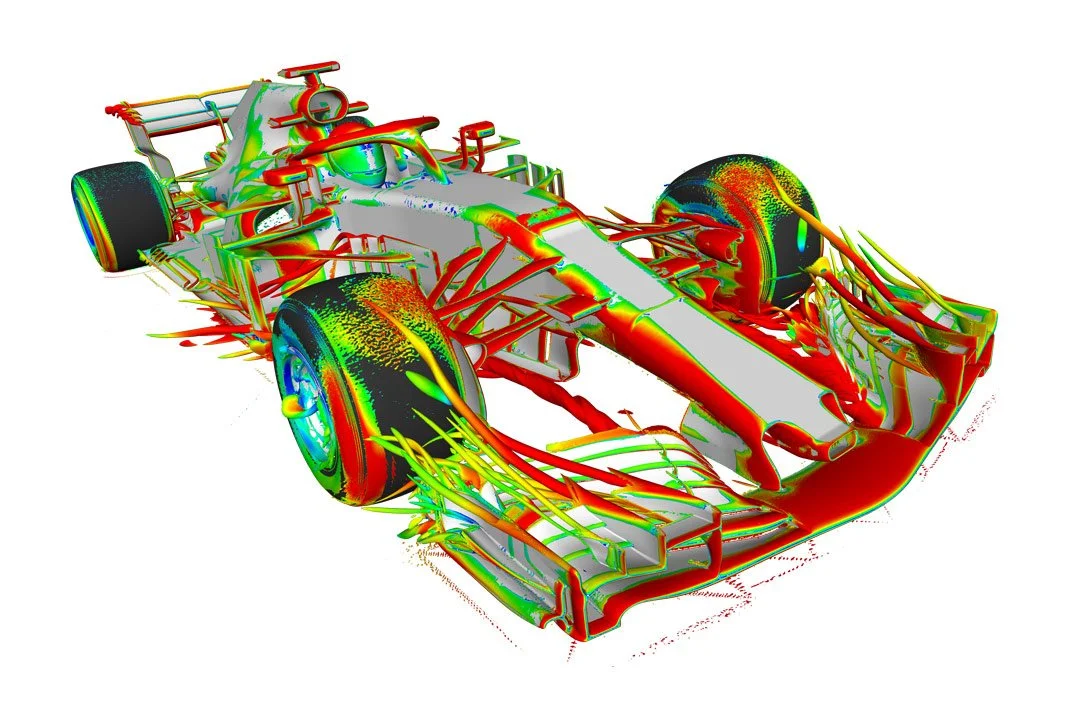
Simulation in action in Ansys software
What skills did you learn from your use of CAD and CFD?
CAD taught us how to design virtually anything, which is an invaluable skill for engineering careers. Beyond professional applications, it allows us to create custom solutions for everyday problems. CFD gave us a deep understanding of aerodynamics, helping us predict and optimise the airflow around our designs without relying solely on physical testing. These skills will be directly applicable in engineering education and careers, particularly in aeronautics, automotive, and any field where design efficiency is critical.
What advice would you give to teams that are just starting out on their STEM Racing journey?
Explore and experiment with each software to understand its capabilities. Both Autodesk and Ansys provide tutorials and guidance for every tool, so take advantage of these resources. Start by following tutorials until you are comfortable, then challenge yourself to design or simulate something independently. Once you’ve mastered the basics, you’ll have the skills and confidence to create and optimise STEM Racing cars effectively.
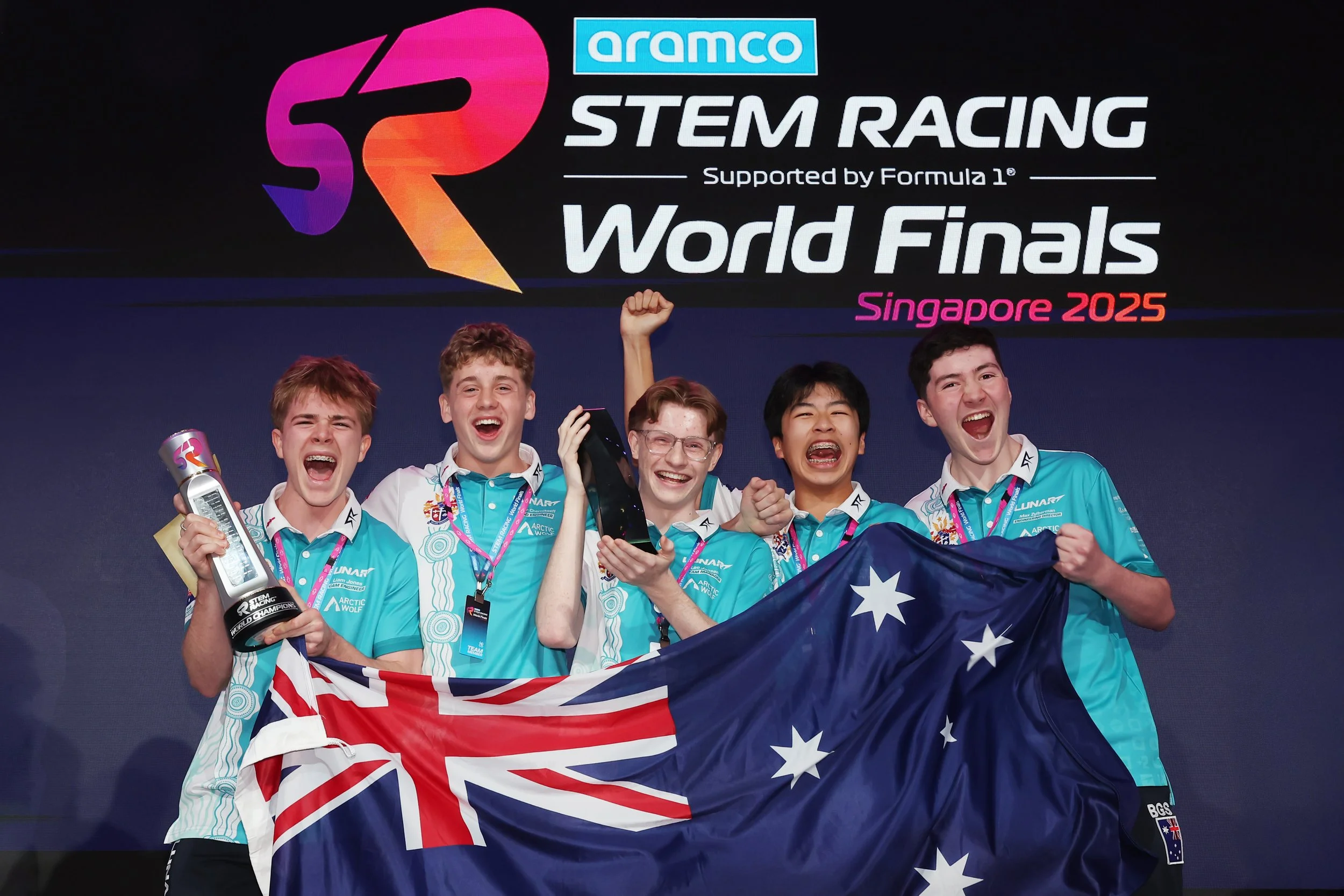
Lunar as Aramco STEM Racing World Champions 2025